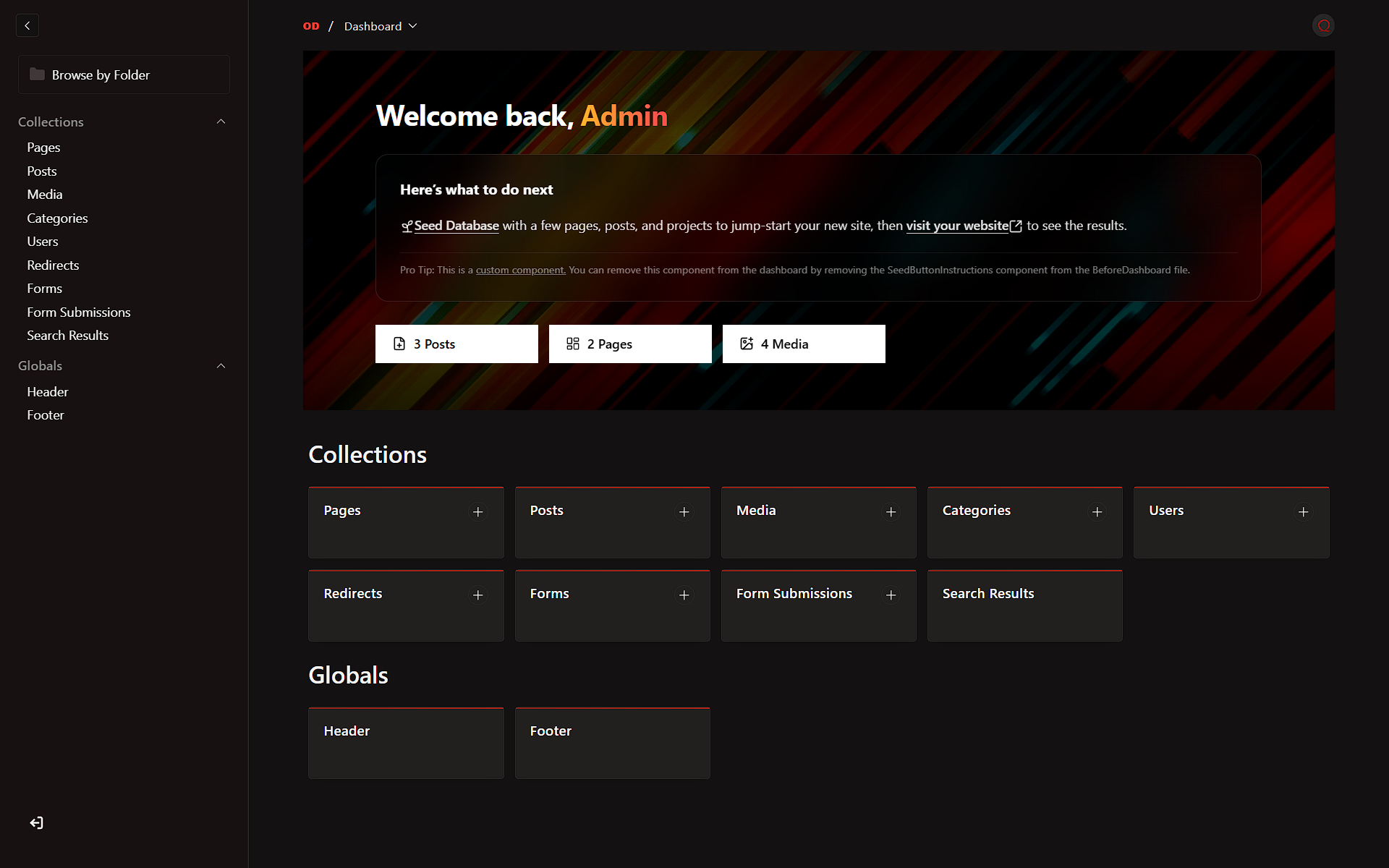

An internal tool for OD Labs to quickly bootstrap new Payload CMS projects pre-configured with our premium white-label branding, customized UI, and optimized developer experience.
The easiest way to start a new project is using npx (which runs the CLI without installing it permanently):
npx create-odlabs-payload

# Or use the npm init shorthand:
npm init odlabs-payloadIf you prefer to install it globally:
pnpm add -g create-odlabs-payload

# or
npm install -g create-odlabs-payload

# Then run:
create-odlabs-payload- Project Name: Enter a name for a new directory, or leave it blank to use the current directory.
- Current Directory Confirmation: If left blank, the CLI confirms whether it should scaffold into the current directory and warns again if that directory is not empty.
- Template Selection: Choose either the Website Template or Plugin Template.
- Configuration:
- Website Template: Provide a validated PostgreSQL connection string.
- Plugin Template: Optionally provide a validated GitHub repository URL and choose whether to enable the sample post seed.
- Review: Confirm the generated project path, template, environment file target, and configuration before the CLI starts downloading files.
- Wait: The CLI will download the selected template, generate the appropriate
.envfile, and install dependencies automatically.
Use --dry-run to walk through the prompts and preview what the CLI would do without writing files, removing .git, or installing dependencies.
npx create-odlabs-payload --dry-runThe generated project follows the standard Payload CMS structure, with template-specific scaffolding for:
website/: A white-labeled Payload website starter with OD Labs branding.plugin/: A branded Payload plugin template with a local dev app and seeded plugin metadata.
- Template Selection: Choose between website and plugin scaffolds from the CLI.
- Prompt Validation: Database URIs, GitHub repository URLs, and project names are validated with clearer recovery messages.
- Current Directory Support: Leave the project name blank to scaffold into the current directory after confirmation.
- OD Labs Branding: A branded CLI splash screen using the ANSI Shadow wordmark plus pre-configured plugin defaults.
- Setup Review Screen: Confirm target path, template, environment output, and template-specific settings before execution.
- Plugin Env Customization: Plugin scaffolds generate
dev/.envfromdev/.env.examplewith fixed internal defaults, generated secrets, and your optional repository URL. - Streamlined Setup: Automatic environment variable configuration and dependency installation.
The CLI installs dependencies for you. When setup completes, run:
cd your-project-name
pnpm dev
If you scaffolded into the current directory, just run:
pnpm devThis project is licensed under the MIT License.
© 2026 OD Labs. Internal use only.