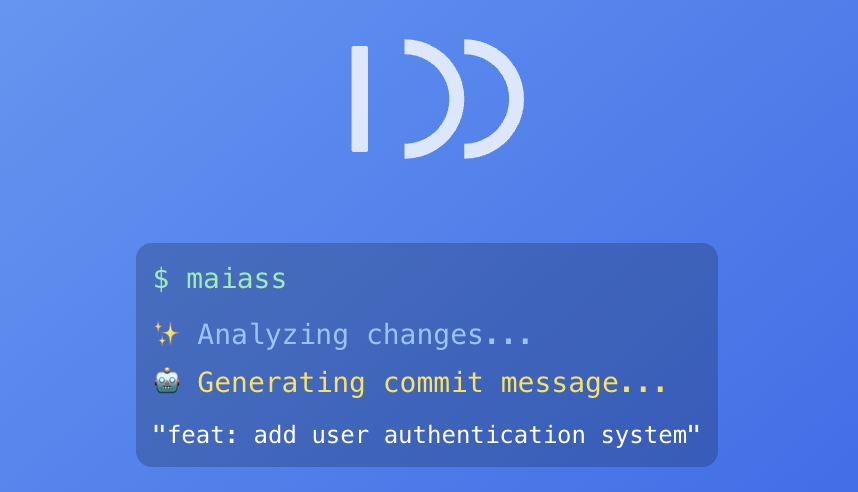
Modular AI-Augmented Semantic Scribe — intelligent Git workflow automation



MAIASS automates the repetitive parts of your Git workflow: staging, AI-powered commit messages, branch merging, version bumping, and changelog generation — all from a single command.
Looking for the shell/Homebrew version? See bashmaiass.
npm install -g maiassRequires Node.js 18+.
# First time in a project — run setup
maiass --setup

# Everyday use — commit, merge, bump patch version
maiass

# Specific version bumps
maiass minor    # 1.2.3 → 1.3.0
maiass major    # 1.2.3 → 2.0.0

# Commit only, skip version management
maiass --commits-only

# Preview without making changes
maiass --dry-run patchMAIASS uses its own proxy service for AI-powered commit message suggestions. On first run it creates an anonymous subscription automatically — no sign-up required.
To use a named account (for credit top-ups):
maiass config set MAIASS_AI_TOKEN your_api_keyAI mode is configured per-project in .env.maiass:
MAIASS_AI_COMMITS=ask        # ask each time (default)
MAIASS_AI_COMMITS=always     # always use AI
MAIASS_AI_COMMITS=off # disable AI- AI commit messages — analyses your diff and suggests a structured commit message
- Version management — detects and bumps
package.json,composer.json,VERSION,.pbxproj(Swift/Xcode), and more - Changelog generation — user-facing
CHANGELOG.mdand internal developer changelog - Branch workflow — feature → develop → staging → main with merge handling
- JIRA integration — ticket numbers auto-detected from branch names
- First-run friendly — works immediately with sensible defaults, no blocking setup
MAIASS uses .env.maiass files for configuration:
| File | Purpose |
|---|---|
.env.maiass |
Project settings, committed to git |
.env.maiass.local |
Personal overrides, gitignored |
Run maiass --setup to configure a project interactively, or edit .env.maiass directly.
Common variables:
MAIASS_AI_COMMITS=ask
MAIASS_MODE=full                  # full or ai_only
MAIASS_MAIN_BRANCH=main
MAIASS_DEVELOP_BRANCH=develop
MAIASS_VERSION_PRIMARY_FILE=package.json
MAIASS_DEBUG=true # verbose output| Format | Example |
|---|---|
| npm | package.json |
| PHP/Composer | composer.json |
| WordPress | style.css, plugin.php |
| Plain text | VERSION |
| Swift/Xcode | *.xcodeproj/project.pbxproj |
| Doc | Description |
|---|---|
| Configuration | All config variables and .env.maiass options |
| Commands | Full command reference |
| Workflow | How the 4-phase pipeline works |
| Setup | Platform-specific setup notes |
| API Reference | Internal module API |
| Development | Contributing and dev setup |
Issues and PRs welcome. See docs/development.md to get started.
- Git community for workflow inspiration
- All contributors and testers
GNU General Public License v3.0
Made with ❤️ for developers who want to automate versioning, changelogs, and commit messages.


